
10 Best AI Tools for WordPress to Boost Your Website
Starting and growing a WordPress website used to feel overwhelming. I personally remember spending hours writing content, designing images, and fixing SEO issues. Today, AI tools have changed everything. With the right tools, you can save time, improve quality, and build a professional website much faster—even as a beginner.
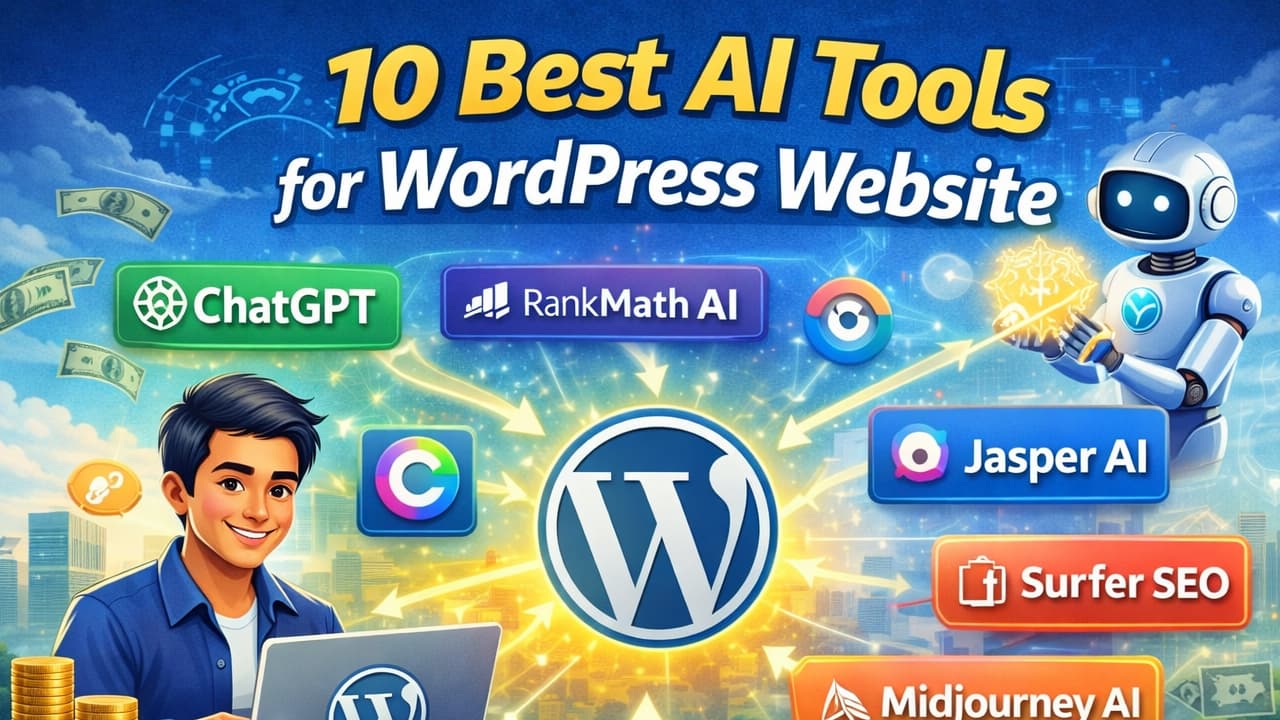
ChatGPT – Best AI Tool for Writing Website Content
In my experience, content creation is the biggest challenge for most beginners. Many beginners struggle with writing consistently, especially when they don’t know how to start or structure their ideas.
I personally tried ChatGPT when I was stuck on blog writing, and it helped me break that barrier. Instead of staring at a blank screen, I started by asking for blog outlines. That simple step made the entire process easier.
For WordPress users, ChatGPT can be used in multiple ways. You can generate blog outlines, write full articles, create FAQs, and even draft landing page content. The key is not to copy everything directly. Use it as a starting point, then edit and add your personal experience.
A practical method I follow is:
First, I ask for a blog outline.
Then, I expand each section with my own insights.
Finally, I edit the content to match my writing style.
Another strong advantage is SEO support. You can ask for meta titles, descriptions, and keyword ideas. This saves a lot of research time.
The biggest mistake beginners make is publishing raw AI content. In my experience, adding your own examples and rewriting parts of the content makes a huge difference in quality and trust.
RankMath AI – Smart SEO Optimization Tool
SEO is something that confuses almost every beginner. I personally struggled with understanding keywords, headings, and optimization when I started blogging.
RankMath AI made this process much simpler for me. After installing it on WordPress, it started guiding me step by step while writing content.
When you create a blog post, RankMath analyzes your content in real time. It tells you what to improve, such as adding keywords in headings, improving readability, or increasing content length.
A practical approach I use is:
I first write my article naturally without worrying about SEO.
Then I use RankMath suggestions to optimize it.
This keeps the content human and natural while still being SEO-friendly.
For example, if your keyword is “AI tools for WordPress,” RankMath will suggest placing it in the title, headings, and meta description. It also reminds you to add internal links, which improves your website structure.
In my experience, many beginners either ignore SEO or over-optimize. RankMath helps you stay balanced. It guides you without making your content robotic.
If you want your WordPress site to rank on Google, using an SEO tool like RankMath is not optional it’s necessary.
Canva AI – Create Professional Website Graphics
Visual content plays a huge role in website success. I personally noticed that posts with good images perform much better than plain text articles.
Before using Canva, I struggled with design. I didn’t have any graphic design skills, and hiring designers was expensive. Canva AI solved that problem completely.
With Canva, you can create blog thumbnails, banners, social media posts, and infographics in minutes. The AI features allow you to generate designs just by describing what you want.
For example, if you need a blog thumbnail, you can type something like:
“Modern blog thumbnail for AI tools website with blue theme”
Canva will generate multiple design options instantly.
Here’s what I usually do:
Choose a template
Customize text and colors
Add branding elements
Export in the correct size for WordPress
This process takes less than 10 minutes.
In my experience, consistency in design builds trust. When all your blog images follow the same style, your website looks more professional.
For WordPress users, Canva is one of the easiest ways to improve visual quality without learning complex design tools.
Jasper AI – Advanced AI Content Writing Tool
Jasper AI is more advanced compared to basic writing tools. I personally tested it for long-form content and marketing copy, and the quality was noticeably structured.
Many beginners struggle with writing sales pages or product descriptions. Jasper is designed specifically for that.
When using Jasper, you provide a topic and a few instructions. It then generates content that is more marketing-focused and persuasive.
For WordPress websites, this is especially useful for:
Landing pages
Service pages
Product descriptions
Email content
One thing I noticed is that Jasper works best when you give clear input. The more specific your instructions, the better the output.
A practical tip:
Don’t rely on one output. Generate multiple versions and combine the best parts.
In my experience, Jasper saves a lot of time for business-focused content. However, like all AI tools, it still needs human editing.
The best results come when you mix AI-generated structure with your own real experience.
Surfer SEO – AI Content Optimization Tool
Writing content is one thing, but ranking it on Google is another challenge. I personally realized this when my early blog posts were not getting any traffic.
Surfer SEO helped me understand what was missing.
This tool analyzes top-ranking pages and gives data-based recommendations. It tells you what keywords to include, how long your article should be, and how to structure your headings.
For example, if you’re writing about “WordPress AI tools,” Surfer will show:
Relevant keywords
Ideal content length
Recommended headings
Content score
A simple workflow I follow:
Research topic using Surfer
Create outline based on suggestions
Write content naturally
Optimize using Surfer recommendations
This ensures your content is both user-friendly and SEO-friendly.
In my experience, many beginners write good content but ignore optimization. Surfer bridges that gap.
If your goal is organic traffic, this tool can significantly improve your chances of ranking.
Midjourney AI – Generate Unique Website Images
Finding unique images is always a challenge. I personally used stock images before, but they often looked generic and overused.
Midjourney changed that completely.
With Midjourney, you can create custom images using simple text prompts. This means your website visuals become unique and original.
For example, you can generate:
Blog illustrations
Website banners
Creative artwork
A simple example prompt:
“Futuristic AI workspace with laptop and glowing elements”
The AI generates multiple variations, and you can choose the best one.
In my experience, unique visuals improve engagement. Visitors spend more time on pages that look different and creative.
Another benefit is avoiding copyright issues. Since the images are generated, you don’t have to worry about licensing problems.
For WordPress bloggers, this is a powerful way to stand out from competitors.
Grammarly AI – Improve Writing Quality
Good content is not just about ideas it’s about clarity. I personally used to make small grammar mistakes that affected my content quality.
Grammarly helped me fix that.
It checks grammar, spelling, tone, and readability in real time. While writing blog posts, it suggests better sentence structures and corrections.
A practical habit I follow:
Write content freely first
Then run Grammarly to polish it
This keeps the writing natural while improving quality.
In my experience, clear writing builds trust. When readers find your content easy to understand, they stay longer on your website.
Many beginners underestimate this, but writing quality directly affects SEO and user experience.
Grammarly is one of those tools that works silently but makes a big difference.
Frase AI – AI Content Research Tool
Research is often the most time-consuming part of blogging. I personally spent hours searching for information before writing content.
Frase AI reduced that time significantly.
It analyzes search results and shows what topics, questions, and keywords you should include in your article.
For example, if you’re writing about “AI tools,” Frase will suggest:
Common user questions
Important subtopics
Relevant keywords
A workflow I use:
Use Frase to gather content ideas
Create a structured outline
Write content based on insights
This ensures your article covers everything readers are searching for.
In my experience, content that answers real questions performs better on Google.
Frase helps you understand user intent, which is one of the most important factors in SEO today.
DALL-E AI – Generate Creative Website Images
DALL-E is another powerful image generation tool. I personally tested it for blog visuals, and the results were impressive.
It works similarly to Midjourney but with a slightly different style. You can generate creative illustrations, concept images, and unique graphics.
For WordPress users, this is useful for:
Custom blog images
Creative thumbnails
Visual storytelling
A practical tip:
Use detailed prompts to get better results.
For example:
“Minimalist blog illustration showing AI tools on a laptop”
In my experience, using original visuals makes your website look more professional and trustworthy.
It also helps in branding, as your content starts to look unique instead of generic.
Tidio AI Chatbot – Improve Website Customer Support
User engagement is something many website owners ignore. I personally didn’t focus on this in the beginning, and I lost many potential visitors.
Tidio AI changed that.
It allows you to add a chatbot to your WordPress website. This chatbot can answer questions, guide users, and provide instant support.
For example:
If someone visits your site and wants course details, the chatbot can respond instantly.
This improves user experience and increases conversions.
In my experience, quick responses build trust. Visitors are more likely to stay when they get answers immediately.
You can also connect your website with your platforms:
YouTube:
https://www.youtube.com/@kb-alom
https://www.youtube.com/@kbalom
Facebook:
https://www.facebook.com/dev.kbalom
This helps you grow your audience and bring traffic from multiple sources.