
Best 5 Laptops for Developers
If you are learning programming, working as a freelance developer, employed as a software engineer, or building your own startup, a good laptop is one of the most important investments you can make. Many people buy a laptop by only looking at the processor or RAM when they start coding. However, after a few months, they often face performance issues. The IDE becomes slow, the laptop starts lagging when multiple browser tabs are open, and the overall development workflow gets affected.
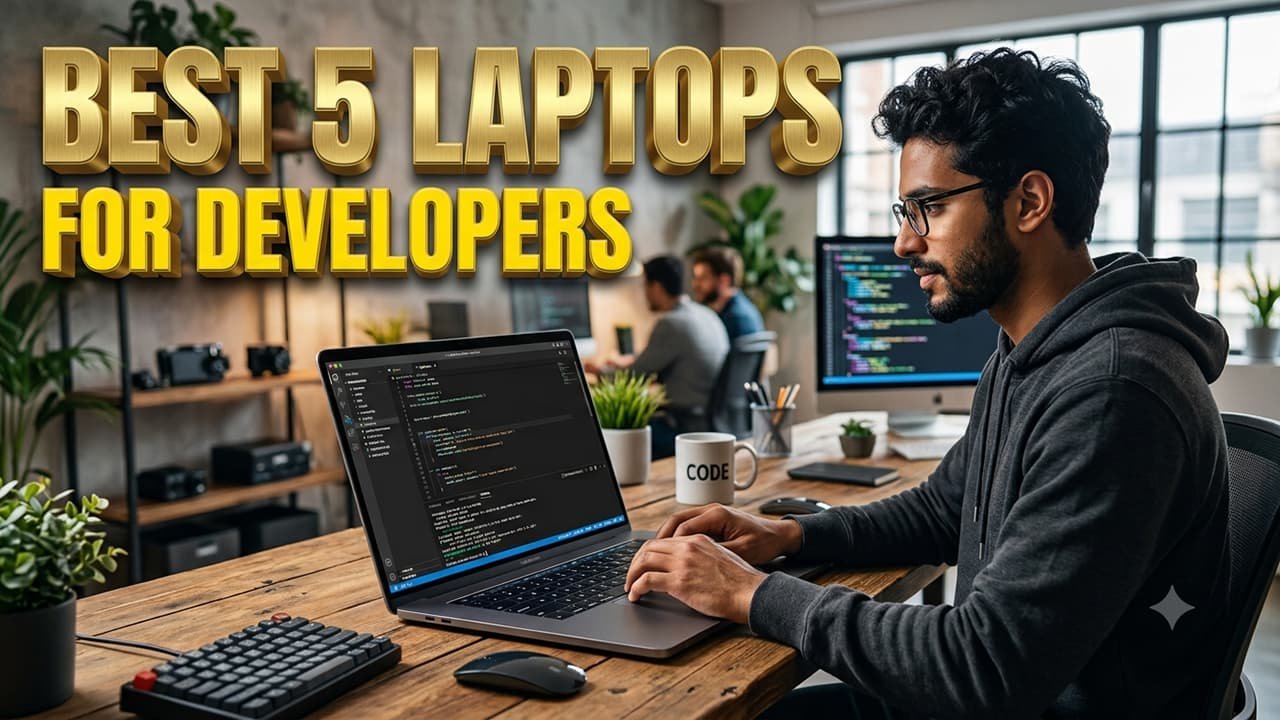
In 2026, software development has become much more advanced than before. Developers do much more than just writing code. They also work with AI tools, Docker containers, local servers, databases, browser testing, mobile emulators, and cloud platforms. Because of this, looking only at laptop specifications is not enough. You also need to understand which type of laptop is best suited for your workflow and daily tasks.
I personally work in full stack development and use Visual Studio Code, browser tabs, local servers, databases, and AI coding tools every day. Based on my experience, the right laptop can significantly improve productivity. When your system is fast and responsive, coding becomes more enjoyable and projects can be completed much faster. In this guide, we will discuss the best laptops for developers in 2026 in detail. We will explain the advantages of each laptop, which type of developer it is suitable for, and the kinds of projects it handles best, all in simple and easy-to-understand English.
What Should You Look for Before Buying a Developer Laptop?
Many beginners directly look at laptop recommendations and make a purchase. However, before buying a laptop, it is important to understand which features matter most for development work.
Processor
The processor is the brain of a laptop. If you work in web development, software development, or regularly use AI tools, you should consider laptops with Intel Core Ultra processors, AMD Ryzen 7 processors, or Apple Silicon chips. A powerful processor provides a smoother experience for coding, compiling projects, and multitasking.
RAM
In 2026, 8GB RAM can be considered the minimum requirement. However, for professional development work, at least 16GB RAM is highly recommended. If you use Android Studio, Docker, virtual machines, or other resource-intensive tools, 32GB RAM is an even better option.
Storage
SSD storage is essential today. Compared to traditional HDDs, SSDs are much faster and provide better overall system performance. For developers, a minimum of 512GB SSD storage is recommended, while 1TB SSD is the ideal choice for storing projects, tools, and development environments.
Display
Developers often spend many hours in front of a screen. Because of this, it is important to choose a laptop with a Full HD display or better. A sharp and high-quality display makes coding more comfortable and helps reduce eye strain during long working sessions.
Battery Life
If you travel frequently or work from both home and office, battery life becomes very important. A good developer laptop should provide at least 8 to 10 hours of battery backup so that you can work without constantly looking for a charger.
1. Lenovo ThinkPad
Check the Latest Price on Amazon
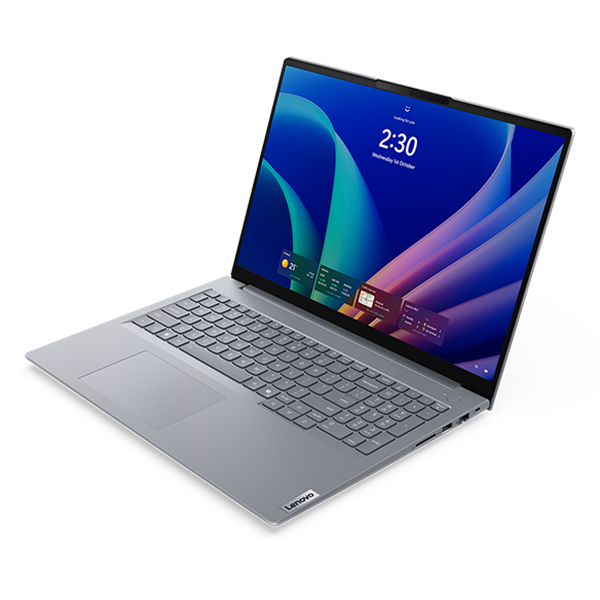
If someone asks me which laptop is the most balanced option for developers, my answer would be the Lenovo ThinkPad.
The ThinkPad series has been a favorite choice among developers and enterprise professionals for many years. One of its biggest strengths is the keyboard, which is widely considered one of the best laptop keyboards in the industry. For people who spend hours writing code every day, a comfortable keyboard can make a huge difference in productivity and overall working experience.
The ThinkPad is also known for its excellent build quality. It is designed to provide reliable performance for many years, making it a great long-term investment for developers. Another major advantage is its outstanding Linux compatibility. This is especially beneficial for backend developers, DevOps engineers, and professionals who work with Linux-based development environments.
I personally know several ThinkPad users who have been using the same machine for professional development work for five to six years without major issues. Whether you are working on web development, backend development, cloud computing, or software engineering projects, the ThinkPad can handle all of these tasks efficiently.
Who Should Buy the Lenovo ThinkPad?
- Professional Developers
- Freelancers
- Backend Developers
- DevOps Engineers
- Linux Users
Advantages of the Lenovo ThinkPad
- Excellent keyboard
- Strong build quality
- Outstanding Linux compatibility
- Reliable performance
- Long-term durability
2. Dell XPS
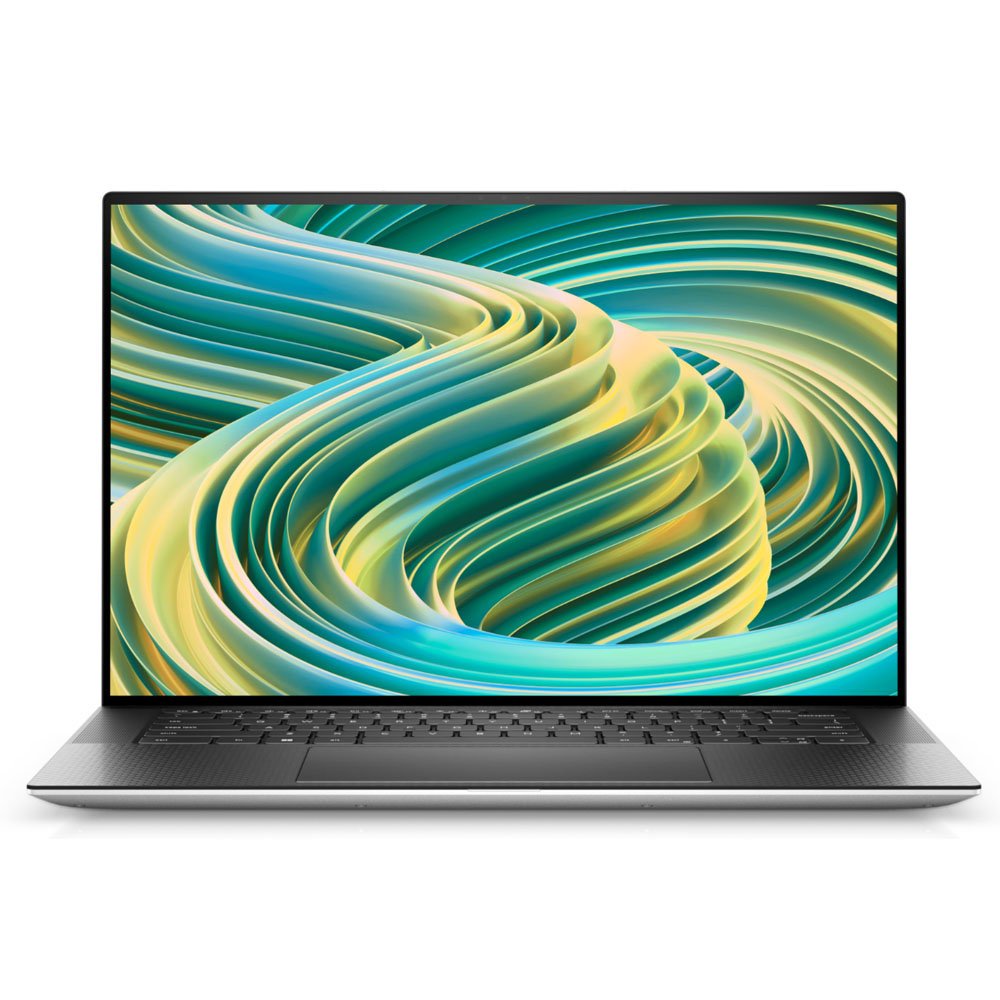
The Dell XPS series is considered one of the best Windows laptop lineups for developers. When you see a Dell XPS for the first time, its premium design and slim body immediately stand out. However, its design is not the only reason developers like it. The performance is also powerful enough for demanding development tasks.
Modern developers often run multiple tools at the same time. It is common to have Visual Studio Code, several Chrome tabs, Docker containers, local servers, Git tools, and AI coding assistants running together. The Dell XPS can handle these workloads smoothly without affecting productivity. Its high-resolution display is also very useful for both coding and UI design work.
I know many developers who use Dell XPS laptops for freelancing and remote jobs. If you work on client projects and want a professional-looking laptop that feels premium during meetings while also delivering strong coding performance, the Dell XPS is a great choice.
Who Should Buy the Dell XPS?
- Frontend Developers
- Full Stack Developers
- Freelancers
- Remote Workers
- UI and UX Designers
Advantages of the Dell XPS
- Premium design
- Powerful performance
- Excellent display quality
- Portable and lightweight
- Professional look and feel
3. Apple MacBook
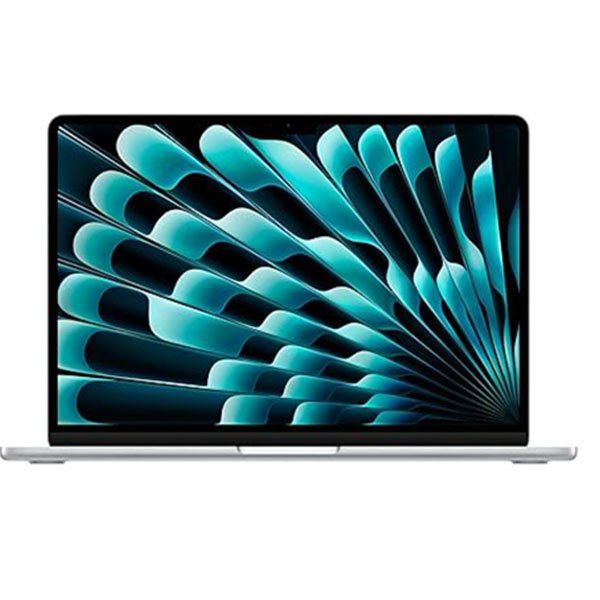
If you want to build iOS applications or enjoy working within the Apple ecosystem, it is difficult to find a better option than a MacBook. Apple's M-series processors have transformed the laptop industry by offering outstanding performance and impressive battery life.
Many professional developers prefer MacBooks because the macOS development environment is known for its stability and reliability. For web development, mobile development, and software engineering, the MacBook has become one of the most trusted choices available today.
I have personally used a MacBook for several projects, and I was impressed by its battery life and smooth performance. When you spend an entire day coding, it is important for your laptop to stay cool and quiet, and the MacBook performs very well in this area.
One of the biggest advantages of a MacBook is iOS development. If you want to create applications for iPhones and iPads, a MacBook is almost a requirement. Apple's Xcode development environment is officially supported only on macOS, making the MacBook the preferred choice for iOS developers.
Who Should Buy a MacBook?
- iOS Developers
- Mobile App Developers
- Web Developers
- Startup Founders
- Freelancers
- Content Creators
Advantages of a MacBook
- Outstanding battery life
- Fast performance
- Excellent display quality
- Premium build quality
- Great developer ecosystem
- Strong security features
My Experience
If I had to choose between Windows and macOS for daily development work, the decision would depend entirely on the workflow and project requirements.
If Linux compatibility and enterprise-level development are important, the ThinkPad is an excellent choice. If you want a premium Windows experience with strong performance, the Dell XPS is a solid option. If your focus is iOS development or working within the Apple ecosystem, it is very difficult to overlook the MacBook.
The biggest advantage of all three laptops is that they are not limited to coding. They are also useful for freelancing, client projects, AI tools, cloud development, and business growth. A good laptop improves productivity and saves a significant amount of time in the long run.
4. ASUS Zenbook
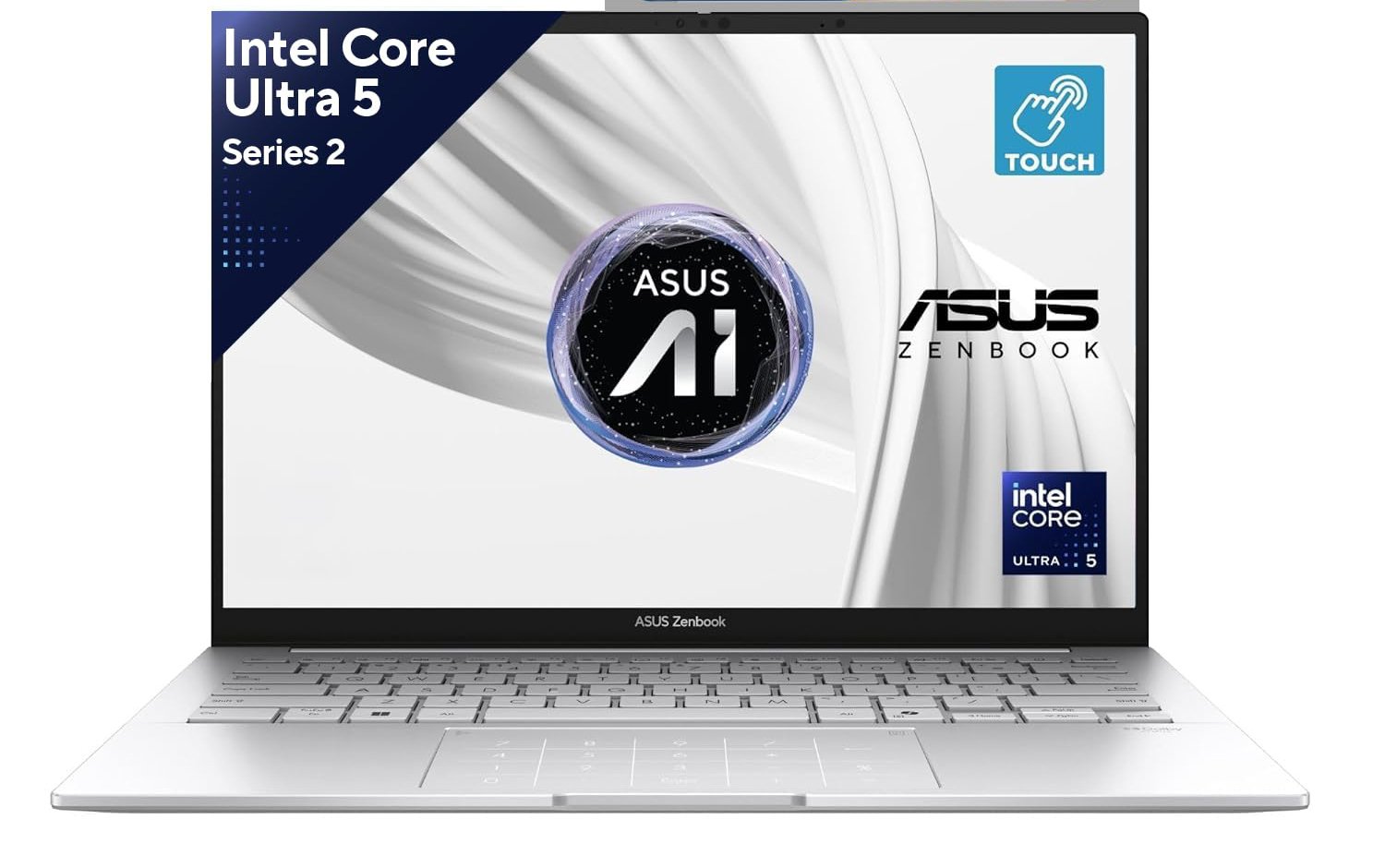
Not every developer has the same budget. Some people can afford premium laptops, while many students and beginner developers look for a laptop that offers a good balance between performance and price. This is where the ASUS Zenbook becomes a strong option.
The ASUS Zenbook series has become very popular over the last few years. The reason is not only its modern design but also its powerful hardware. It comes with fast processors, good RAM options, and SSD storage, making it a great choice for development work.
If you are learning web development, starting your freelancing journey, or beginning your programming career, the Zenbook can be a practical choice. Its lightweight design is especially useful for students and remote workers. You can easily carry it to college, the office, or while traveling.
I have recommended the ASUS Zenbook to many beginner developers because it delivers solid performance without the high price tag of premium laptops. If you have a limited budget and want the best value for your money, the Zenbook is definitely worth considering.
Who Should Buy the ASUS Zenbook?
- Students
- Beginner Developers
- Freelancers
- Remote Workers
- Web Developers
Advantages of the ASUS Zenbook
- Affordable pricing
- Lightweight design
- Good battery life
- Strong performance
- Modern appearance
5. HP EliteBook
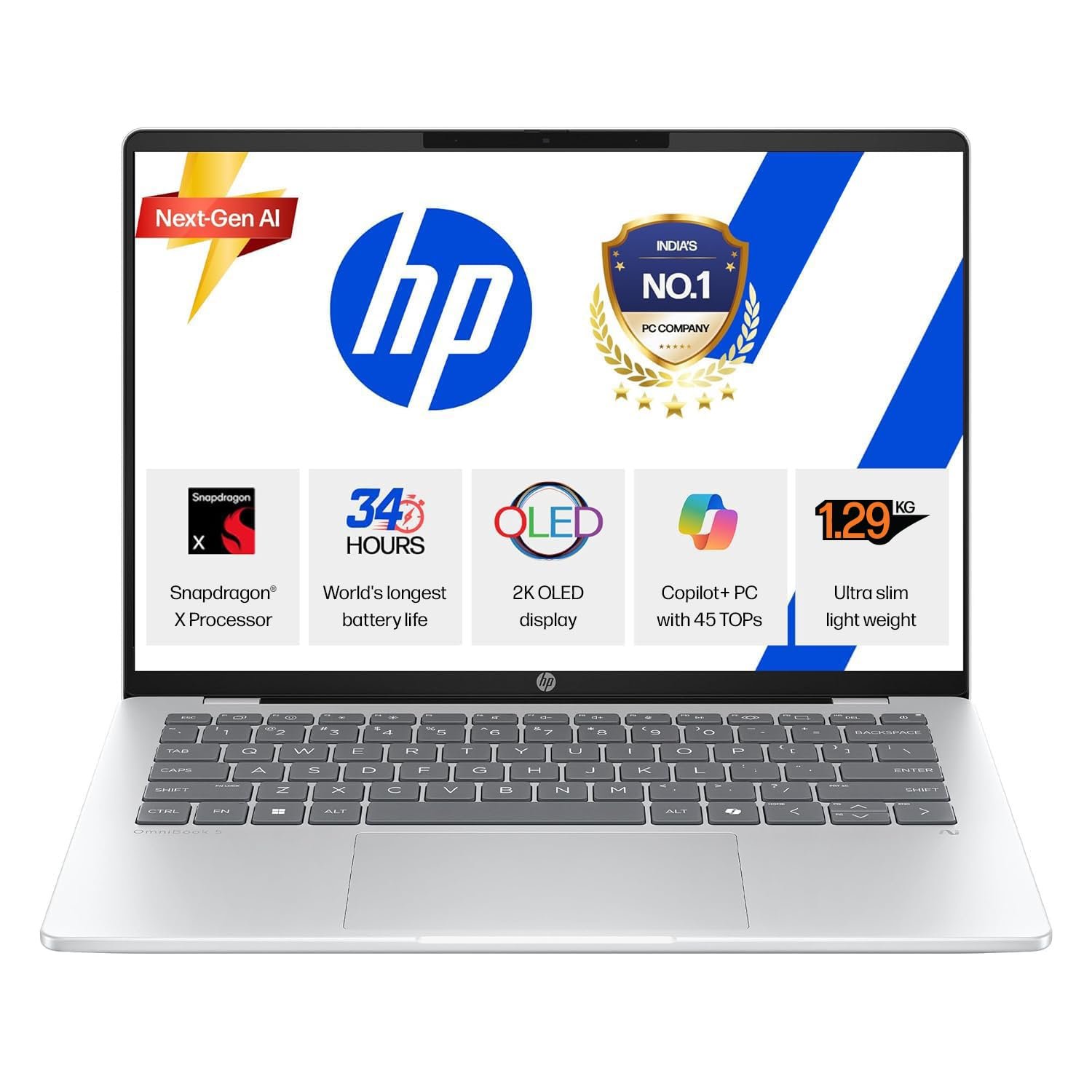
The HP EliteBook is often preferred by business professionals and enterprise users. However, many developers also choose this laptop for their daily work because of its reliability and professional features.
The biggest strength of the EliteBook is its reliability. It is designed with professional environments in mind. The build quality is strong, and the security features are advanced, making it suitable for business and enterprise use.
If you work for a software company or handle client data regularly, security becomes extremely important. This is an area where the HP EliteBook performs very well. It offers stable performance and a comfortable typing experience, both of which are valuable during long coding sessions.
I have seen several software agencies and enterprise developers using HP EliteBooks. Their main focus is reliability and stability, and the EliteBook meets those expectations very well.
Who Should Buy the HP EliteBook?
- Software Engineers
- Enterprise Developers
- Business Professionals
- Remote Employees
- Freelancers
Advantages of the HP EliteBook
- Strong security features
- Reliable performance
- Professional design
- High-quality keyboard
- Durable build quality
Which Laptop Should You Choose From These Five Options?
This is a question that almost every developer asks. The truth is that there is no single laptop that is perfect for everyone. Your workflow, requirements, and budget will determine which laptop is best for you.
If you want the most balanced laptop for development work, the Lenovo ThinkPad is the best overall choice.
If you want a premium Windows experience, the Dell XPS is an excellent option.
If you plan to build iOS applications or prefer the Apple ecosystem, the MacBook is the best choice.
If your budget is important and you want maximum value for your money, the ASUS Zenbook is a great option.
If you work in a professional business environment and need strong security and reliability, the HP EliteBook may be the right choice for you.
My Personal Recommendation
I work in full stack development and use coding tools, browser testing, databases, and AI tools every day. Based on my experience, the Lenovo ThinkPad is the most balanced laptop for developers.
I especially like its keyboard, performance, and long-term reliability. However, if a developer focuses mainly on iOS development, I would recommend a MacBook without hesitation. If someone wants a premium Windows laptop, the Dell XPS is also a fantastic option.
The most important thing is that your laptop should support your workflow. Choosing a laptop based only on the brand name is not the right approach. You should always consider your projects, budget, and future goals before making a final decision.