
Best AI Tools for Students to Make Money Online
Making money online as a student is no longer complicated. I remember when I first tried to earn online, I wasted weeks figuring out where to start. Today, AI tools have made that process much easier. You don’t need advanced skills or expensive courses. With the right approach, you can start earning using simple tools and a bit of consistency.
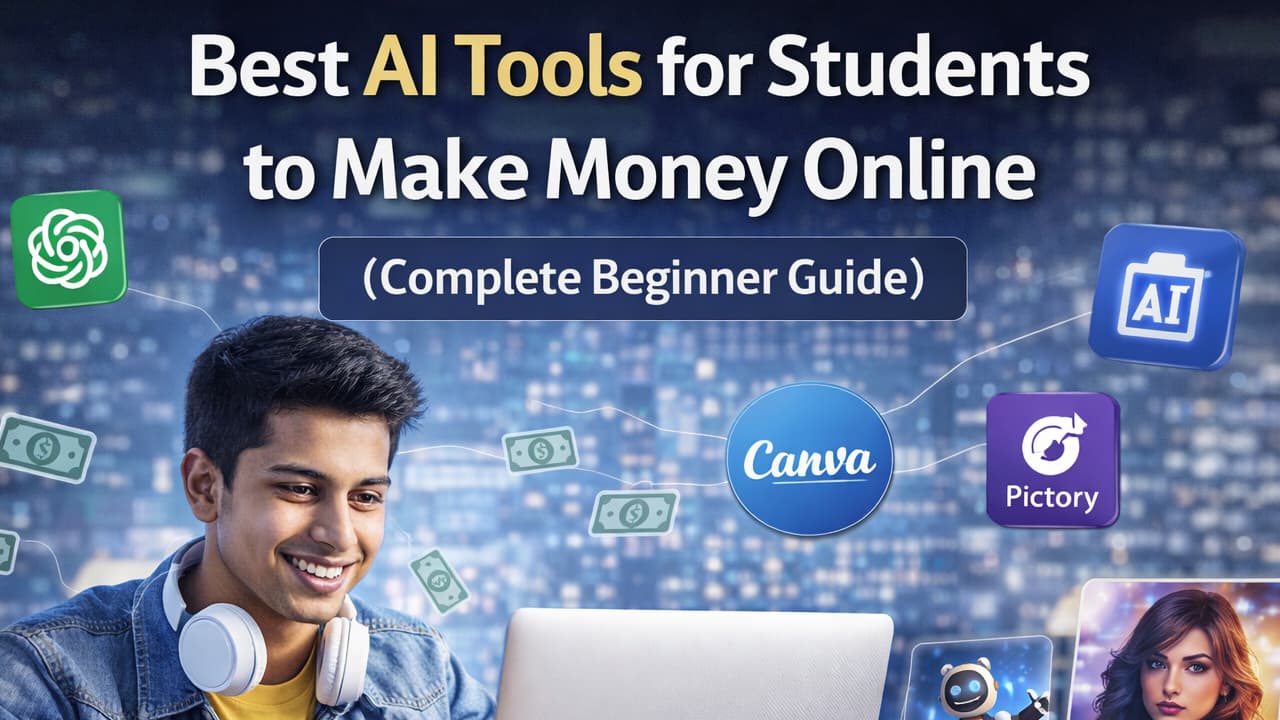
Why AI Tools Are Perfect for Students
In my experience, the biggest problem students face is not lack of talent it’s lack of time and direction. Between studies, exams, and personal responsibilities, it becomes difficult to learn complex skills from scratch. This is where AI tools make a real difference.
AI tools simplify tasks that used to take hours. For example, I personally tried writing blog content manually in the beginning, and it would take me an entire day to complete one article. After using AI tools, I was able to create a strong draft in minutes and spend more time improving quality instead of struggling to start.
Another advantage is that AI tools reduce the learning curve. Many beginners struggle with things like graphic design, video editing, or website creation because they think they need technical knowledge. But tools today are designed for non-experts. You can create professional work without coding or advanced training.
For example, a student can use AI to:
- Write articles or social media posts
- Design thumbnails or Instagram content
- Create short videos for clients
- Build simple websites for small businesses
This opens multiple income opportunities without needing years of experience.
If you want to learn practical freelancing strategies step by step, you can explore this channel:
https://www.youtube.com/@kb-alom
The key insight here is simple: AI does not replace your effort it multiplies it. Students who understand this early grow much faster than others.
ChatGPT – Best for Content Writing and Freelancing
When I first started freelancing, content writing was the easiest entry point for me. But I struggled with ideas, structure, and speed. ChatGPT completely changed that process.
ChatGPT helps you generate blog posts, product descriptions, emails, and even scripts. But here’s something many beginners misunderstand: you should never copy AI content directly. In my experience, raw AI content feels generic. The real value comes when you edit it, add your own examples, and make it sound natural.
A practical way to use ChatGPT:
- Ask it to create a rough draft
- Rewrite it in your own words
- Add real examples or personal experience
- Simplify the language for better readability
For example, I once worked on a Fiverr order where a client needed 5 blog posts. Instead of writing everything from scratch, I used ChatGPT to generate outlines. Then I edited each article manually. This saved me hours while still delivering high-quality content.
Many beginners struggle to get their first client because they focus only on tools, not quality. If you combine ChatGPT with proper editing, you can easily offer services on platforms like Fiverr or Upwork.
A unique strategy that worked for me is offering “fast delivery” content services. Since AI speeds up your work, you can complete tasks quicker than others and attract more clients.
Canva AI – Best for Graphic Design
I have seen many students avoid design work because they think it requires creativity or professional skills. I had the same mindset before trying Canva. But once I started using it, I realized how simple it actually is.
Canva AI allows you to create designs using ready-made templates. You don’t need to start from scratch. In fact, most successful freelancers don’t design everything manually they customize existing templates smartly.
For example, I personally tried creating YouTube thumbnails for a small channel. I used Canva templates, changed colors, added text, and adjusted images. The entire process took less than 20 minutes, and the client was satisfied.
Here’s how you can start:
- Choose a niche (thumbnails, Instagram posts, resumes)
- Create 5–10 sample designs
- Upload them as your portfolio
- Start offering services on freelancing platforms
Many beginners struggle because they try to learn everything at once. Instead, focus on one category. For example, only YouTube thumbnails. This helps you become faster and better.
Another smart approach is targeting small businesses. Many local brands need daily social media content but don’t have a designer. This creates a consistent income opportunity.
The hidden advantage of Canva is speed. If you can deliver designs quickly, clients will keep coming back.
Pictory AI – Best for Video Content Creation
Video content is growing faster than any other format. I noticed this when short videos started dominating platforms like YouTube and Instagram. The problem is, traditional video editing takes time and skill. That’s where Pictory AI becomes useful.
Pictory allows you to convert text into videos. You can add visuals, subtitles, and voiceovers without complex editing software. I personally tested this by creating short motivational clips using blog content, and the results were surprisingly good.
Here’s a simple method you can follow:
- Take a short script (100–150 words)
- Upload it to Pictory
- Let AI generate scenes and visuals
- Add subtitles and music
- Export and share
Students can use this to:
- Offer video editing services
- Create Instagram reels for clients
- Start a YouTube Shorts channel
Many beginners struggle with consistency. Video AI tools solve this by reducing production time. You can create multiple videos in a single day.
A unique insight here is content repurposing. You can turn one blog into multiple short videos. This increases your earning potential without extra effort.
If you focus on short-form content, you can tap into a huge demand with minimal skills.
10Web AI Builder – Best for Website Creation
Website creation used to be a complex skill, but tools like 10Web AI Builder have simplified the process. I remember my first attempt at building a website it took me days to understand basic things. With AI tools, you can now create a full website in minutes.
10Web works by asking for basic input about a business. Then it generates a complete WordPress site automatically. You can edit it later according to your needs.
I personally tried building a demo website for a small service business. Within 15–20 minutes, I had a working layout ready. After minor edits, it looked professional enough to present to a client.
Here’s how students can use this:
- Learn basic website structure
- Create 2–3 demo websites
- Show them to small businesses
- Offer affordable website services
Many beginners struggle with confidence when offering services. But when you already have sample websites, it becomes easier to convince clients.
You can learn more about building websites step by step here:
https://kbalom.com/courses/ebe153c2-12cc-4162-82d0-7b02c5c45aa5
The biggest advantage is that small businesses always need websites. This makes it a high demand skill with long-term earning potential.
MidJourney / DALL·E – Best for AI Image Creation
AI image generation is one of the fastest-growing opportunities right now. When I first explored tools like MidJourney and DALL·E, I realized how powerful simple text prompts can be.
You can create unique images, digital art, thumbnails, and even product designs without drawing skills. This opens multiple income streams.
For example, I personally tried generating custom thumbnails for social media pages. With the right prompts, the output was high quality and unique. After minor editing, it was ready to sell.
Ways students can earn using these tools:
- Sell digital art on marketplaces
- Create thumbnails for YouTubers
- Design posters or wallpapers
- Offer custom image services
Many beginners struggle because they don’t practice prompt writing. The better your prompt, the better your result. Spend time experimenting with different styles and ideas.
A smart strategy is combining tools. For example, generate an image using AI, then edit it in Canva. This improves quality and makes your work stand out.
This field is still growing, which means early learners have a strong advantage.
How Students Can Start Earning Step by Step
Starting is often the hardest part. I made the mistake of trying too many things at once, which slowed me down. In my experience, focusing on one skill works much better.
Here’s a simple step-by-step approach:
First, choose one AI tool based on your interest. Don’t try to learn everything at once.
Second, practice daily and create sample work. Even if it’s not perfect, it builds confidence.
Third, build a small portfolio. This can be Google Drive, social media, or freelancing platforms.
Fourth, start offering services. Platforms like Fiverr, Upwork, or even direct outreach work well.
Fifth, improve based on feedback. Every project teaches you something new.
You can also connect and find opportunities here:
https://www.facebook.com/dev.kbalom
Many beginners struggle because they wait too long to start. The truth is, you learn more by doing than by planning.
Tips to Succeed with AI Tools
Success with AI tools depends more on how you use them than which tool you choose. I have seen people fail even with the best tools because they rely completely on AI without adding personal effort.
Here are practical tips that actually work:
Always edit AI-generated content. Raw output is never enough. Add your voice and examples.
Focus on one skill deeply. Jumping between tools slows your progress.
Stay consistent. Even 1–2 hours daily can create big results over time.
Build trust with clients. Deliver on time and communicate clearly.
Keep learning. AI tools evolve quickly, and staying updated gives you an advantage.
One important lesson I learned is that tools don’t make money skills do. AI just helps you use those skills faster.