
How to Build a Strong Freelance Portfolio Complete Beginner Guide (2026)
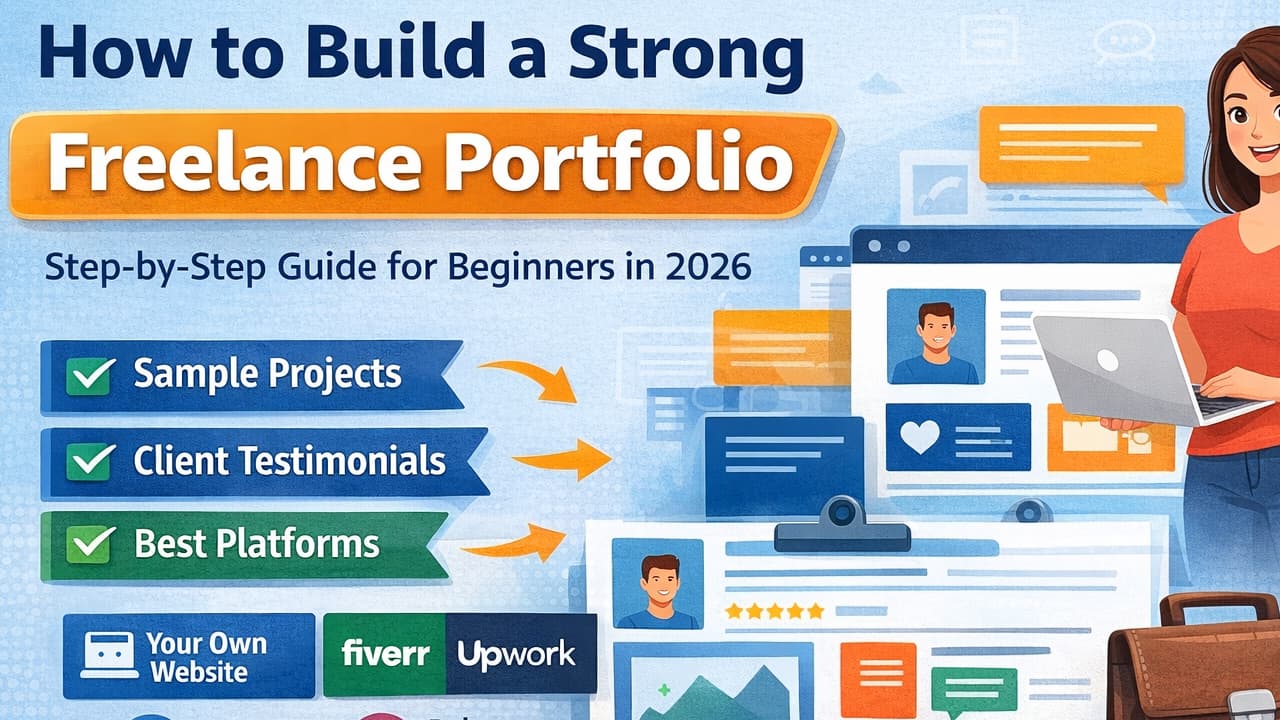
If you want to start freelancing but are not getting clients, the biggest reason is often not a lack of skills but a weak portfolio. Many beginners think that a portfolio is only for experienced freelancers. The reality is exactly the opposite. A portfolio is the thing that transforms an unknown person into a trusted professional.
Imagine that you are offering your services to someone. What will be the client's first question?
.Can I see your previous work?
If you have nothing to show, it becomes very difficult to build the client's trust. However, if you have a professional portfolio that clearly explains your projects, skills, experience, and working style, it only takes a few minutes for the client to make a decision.
This is why successful freelancers always consider their portfolio to be their most powerful marketing tool.
In this guide, we will not only learn how to create a portfolio. We will also understand what type of portfolio clients prefer to see, how projects should be presented, and how to build a portfolio so strong that it works like a salesperson for you 24/7.
What Is a Portfolio?
In simple terms, a portfolio is a collection of your work.
It is not just a folder of images, not is it simply a page containing certificates.
A professional portfolio is a complete presentation that tells the client:
- Who you are.
- What services you provide.
- What problems you solve.
- What your previous work looks like.
- Why clients should hire you.
The main objective of a portfolio is not just to impress the client.
Its real objective is to eliminate the client's doubts.
Once all of the client's doubts are cleared, the chances of getting the project automatically increase.
Why Is a Freelance Portfolio So Important?
There are already millions of freelancers available in the market. If you simply write - I am a Web Developer That sentence no longer has much value. However if you show:
- I designed this website.
- This project increased the client's sales.
- The website loading speed was improved.
- The SEO score became better.
- Mobile responsiveness was enhanced.
The client instantly gets proof. People do not buy promises. People buy results.
That is why, in the freelancing world, a portfolio is considered even more important than a resume.
Benefits of a Strong Portfolio
if you create a professional portfolio, it offers many advantages.
- It increases client trust.
- It helps you get high-paying projects.
- It reduces the need for interviews.
- It increases the chances of your proposals being approved.
- It improves your personal branding.
- It allows you to charge premium pricing.
- It makes it easier to get referral clients.
- It attracts long-term clients.
The Biggest Misconception Among Beginners
Many people think I don't even have any clients. How can I build a portfolio?
This is one of the most common mistakes in freelancing. The reality is that a portfolio is not built only from paid projects.
You can also use practice projects. If you are a Web Developer, build websites on your own. If you are a Graphic Designer, design logos yourself. If you are a Content Writer, write high-quality sample articles. If you are a Video Editor, create demo editing videos. If you are an SEO Expert, prepare a free SEO audit for any website. Clients do not care whether the project was paid or personal. They only care about the quality of your work.
Ask Yourself These 5 Questions Before Building Your Portfolio
1. What Service Do I Want to Be Known For?
First of all, decide exactly what you want to offer. If you include Web Development, Graphic Design, Video Editing, SEO, Digital Marketing, and Data Entry all in the same portfolio, the client will become confused. Professional freelancers always choose one clear niche. Examples:
- WordPress Development
- Laravel Development
- React Development
- SEO Content Writing
- Logo Design
2. Who Is My Ideal Client?
- Not every client is the same.
- Some are startup owners.
- Some run eCommerce businesses.
- Some are bloggers.
- Some are agencies.
- While creating your portfolio, decide which type of clients you want to attract.
- Use examples and language according to your target audience.
3. What Problem Does the Client Want to Solve?
- Clients do not buy websites.
- They buy online business growth.
- Clients do not buy logos.
- They buy branding.
- Clients do not buy SEO.
- They buy Google traffic.
- Once you understand this mindset, your portfolio will automatically improve.
4. What Makes Me Better Than Others?
Every freelancer has some unique strength.
- Fast Delivery
- Premium Design
- Clean Coding
- SEO-Friendly Websites
- Excellent Communication
- Unlimited Revisions
Identify your strengths and clearly mention them in your portfolio.
5. Is My Portfolio Easy for the Client to Use?
If your portfolio is complicated to navigate, the client will simply close it.
Your portfolio should be:
- Simple
- Clean
- Fast-loading
- Mobile-friendly
Remember
- Clients do not come to read your portfolio.
- Clients come to make a decision.
Therefore, the easier it is for clients to find the information they need, the faster your chances of winning the project will increase.
Essential Sections of a Strong Freelance Portfolio
By now, you understand how important a portfolio is. However, simply knowing its importance is not enough. The biggest question is: what exactly should be included in a professional portfolio?
Many beginners create a simple gallery containing only a few screenshots. This approach is not professional.
The objective of a strong portfolio is not just to showcase your work. Its real purpose is to convert visitors into clients.
That is why every section has its own purpose. Let's understand each one step by step.
1. Hero Section The First Impression Is the Most Important
When a visitor opens your portfolio website for the first time, they only have a few seconds to decide whether they will stay on your website or leave. That is why the Hero Section is the most important part of your portfolio.
Your Hero Section should instantly answer these questions:
- Who are you?
- What services do you provide?
- What type of clients do you work with?
- What benefits will the client receive?
Example - Hi, I'm KB Alom Professional Full Stack Web Developer specializing in Node JS, React JS, Next JS and WordPress websites that help businesses grow online. This short introduction immediately gives visitors a clear understanding of who you are and what you do.
2. Professional Profile Photo
People trust individuals before they trust companies. Using your original professional photograph automatically increases visitor trust.
Never use:
- Blurry images.
- Cartoon profile pictures.
- Random wallpapers.
- Dark or low-quality selfies.
A professional photo with a clean background and a genuine smile always creates the best impression.
3. About Me Section
This is one of the most ignored sections.
Many freelancers simply write: I am a Freelancer
This sounds boring. The real purpose of the About Me section is to tell your story.
Clients want to know:
- Why did you start freelancing?
- What is your area of expertise?
- What is your experience?
- What kind of results do you deliver?
Example :-
My name is KB Alom. I have been working in the Full Stack Web Development field for several years. I enjoy building scalable and SEO-friendly websites using Node, React,Next, WordPress, and modern web technologies. My objective is not just to build websites but to help my clients grow their businesses online.
* Notice that this section is not only informative it also builds confidence and credibility. About Us
4. Skills Section
Do not simply list the names of technologies. Also explain the purpose of each skill.
Example : -
- Laravel -> For developing secure and scalable web applications.
- WordPress -> For creating business websites and blogs.
- React.js -> For building fast and interactive user interfaces.
- Bootstrap ->For designing responsive websites.
- SEO -> For improving website rankings on Google.
This helps clients understand not only the technology but also the value it provides.
5. Services Section
This section tells visitors exactly what services you offer. Many freelancers make the mistake of adding twenty different services.
A professional portfolio should only include the services in which you are truly an expert.
Example :-
- Custom Laravel Development
- WordPress Website Development
- Business Website Design
- Landing Page Development
- Website Speed Optimization
- Bug Fixing
- Website Maintenance
Write a short two- or three-line description below each service explaining what it includes and how it benefits the client.
6. Projects Section – The Most Powerful Part of Your Portfolio
Now we come to the heart of your portfolio. This is the section where clients usually make their final decision. Do not present your projects only as images.
Every project should include the following information:
- Project Name
- Client Industry
- Problem
- Solution
- Technology Used
- Final Result
Example :-
Project Name: Restaurant Website
Problem: The client had an outdated website that did not function properly on mobile devices.
Solution: Developed a fully responsive website using React JS
Technology Used: Node JS, Next Js, Tailwind
Result: A fast loading website with a mobile friendly design and an improved user experience.
This type of presentation gives clients confidence in your abilities.
7. How to Write a Project Case Study
If you want to attract premium clients, use case studies instead of a simple project gallery. Present each project as a complete story.
Include the following:-
- What problem did the client face?
- What strategy did you create?
- Which technologies did you use?
- How long did the project take to complete?
- What was the final outcome?
Writing projects in this format makes your portfolio look much more professional and premium.
8. Always Add a Live Demo Button
Whenever possible, add a Live Demo button below every project.
This allows potential clients to view your work directly.
If the live website is no longer available, use high quality screenshots or a short video demonstration instead.
9. Testimonials Section – The Shortcut to Building Trust
Many beginners do not have real clients. Because of this, they completely remove the Testimonials section from their portfolio.
This is a mistake.
If you do not have real clients yet, you can use these alternatives:
- Complete a free project and ask for feedback.
- Work for friends or local businesses.
- Get reviews from internship projects.
- Collect feedback from beta users.
Example Testimonial :-
" Rahul completely redesigned my business website. The website became much faster and works perfectly on mobile devices."
Business Owner - JOHN
Never write fake testimonials. In the long run, fake testimonials damage your credibility and destroy client trust.
10. Experience Section
Do not simply mention the number of years you have worked. Explain what you have actually accomplished during that time. Example
5+ Years of Web Development Experience
Experienced in developing business websites, blogs, landing pages, and custom web applications using Node.js, React, Next.js, WordPress, and other modern web technologies. This gives clients a much clearer understanding of your expertise instead of just showing a number.
11. Contact Section – The Most Important Section
Many freelancers create beautiful portfolios but make it difficult for potential clients to contact them.
Your Contact section should always include:
- Email Address
- LinkedIn Profile
- Contact Form
- Address
Make sure your contact information is easy to find and that clients can reach you without any confusion.
Call To Action - Have a project in mind? Feel free to email me or send me a message on WhatsApp. I'd be happy to discuss your project and help bring your ideas to life,
12. Final Checklist Before Launching Your Portfolio
Once your portfolio is complete, do not publish it immediately. A professional freelancer always reviews their website multiple times before launching it. Even a small mistake can reduce a potential client's trust.
16. Frequently Asked Questions
Q1. Can beginners build a portfolio without having clients?
Absolutely. You can create a professional portfolio using practice projects, personal projects, and demo work.
Q2. How many projects should a portfolio include?
Quality is far more important than quantity. Five outstanding projects are much more valuable than twenty average ones.
Q3. Is a website necessary for a portfolio?
A personal website is the best option because you have complete control over it. However, beginners can also use platforms like Behance, Dribbble, GitHub, or LinkedIn.
Q4. Is it necessary to provide a Live Demo for every project?
Whenever possible, yes. If a live demo is unavailable, provide screenshots and a detailed case study instead.
Q5. How often should a portfolio be updated?
The best practice is to update it every time you complete a new project.
Q6. Can a portfolio rank on Google?
Yes. With proper SEO, fast loading speed, and high-quality content, your portfolio website can rank in Google Search results.